
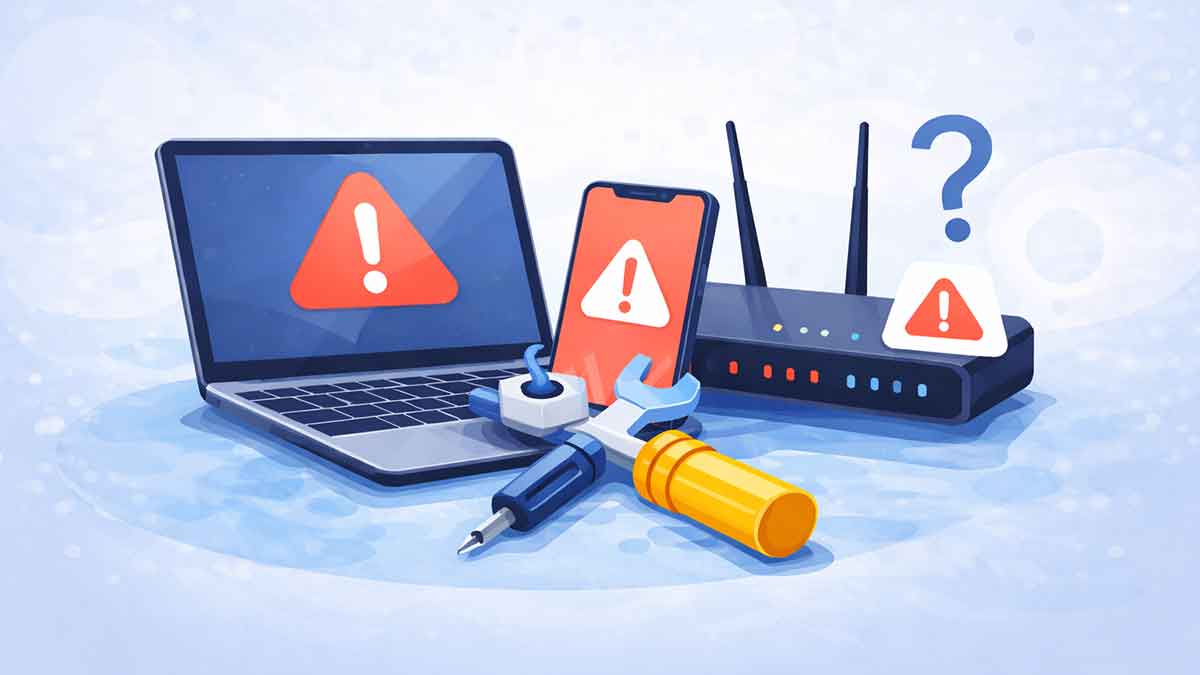
Technology makes everyday life easier — until something stops working.
Slow computers, internet issues, apps crashing, or websites not loading properly are common problems faced by people all over the world. The good news is that many tech problems can be fixed easily, even if you’re not tech-savvy.
This guide explains some of the most common tech problems and shows you simple, safe ways to fix them. No advanced knowledge required — just clear steps you can follow with confidence.
Why tech problems are so common
Technology relies on many moving parts working together. When even one thing goes wrong, problems can appear.
Some common reasons include:
Understanding this helps reduce frustration — most issues are normal and fixable.
Computer running very slow
A slow computer is one of the most common complaints.
Why it happens
What you can try
When to seek help
If the computer freezes constantly or won’t turn on properly, professional support may be needed.
Internet connection issues
Internet problems can stop work, learning, and communication.
Why it happens
What you can try
When to seek help
If the problem continues for days, contact your internet service provider.
Websites not loading properly
Sometimes websites load slowly, show errors, or fail completely.
Why it happens
What you can try
When to seek help
If the issue happens only on one website, the problem is usually on their side.
Common WordPress errors
WordPress users may face errors like blank pages, login issues, or plugin conflicts.
Why it happens
What you can try
When to seek help
If you can’t access your site or dashboard, contact your hosting provider or a WordPress expert.
Mobile phone overheating
Phones getting warm occasionally is normal — overheating is not.
Why it happens
What you can try
When to seek help
If overheating happens often or causes shutdowns, the battery may need inspection.
Apps crashing or freezing
Apps stopping suddenly can be frustrating.
Why it happens
What you can try
When to seek help
If many apps crash repeatedly, your device software may need updating.
Storage space running out
Low storage affects performance on computers and phones.
Why it happens
What you can try
When to seek help
If storage fills up immediately after cleaning, professional assistance may be required.
When you should seek professional help
Some situations are better handled by experts:
Trying advanced fixes without experience can make things worse. When in doubt, pause and seek help.
Frequently asked questions
-
Can beginners fix most tech problems?
Yes. Many common issues can be fixed with simple steps like restarting, updating, or cleaning storage.
-
Are tech problems dangerous?
Most are harmless, but issues involving security or data loss should be handled carefully.
-
How often should devices be maintained?
Basic maintenance once a month helps prevent many problems.
-
Should I update software regularly?
Yes. Updates improve security, performance, and stability.
-
What’s the easiest first step for any tech issue?
Restarting the device solves more problems than most people expect.
Final thoughts
Technology doesn’t have to be stressful.
Most tech problems are common, temporary, and easier to fix than they seem. By understanding the causes and following simple steps, you can solve many issues on your own and use your devices with confidence.
As technology continues to evolve, learning basic troubleshooting skills is one of the smartest digital habits you can develop.