
Introduction
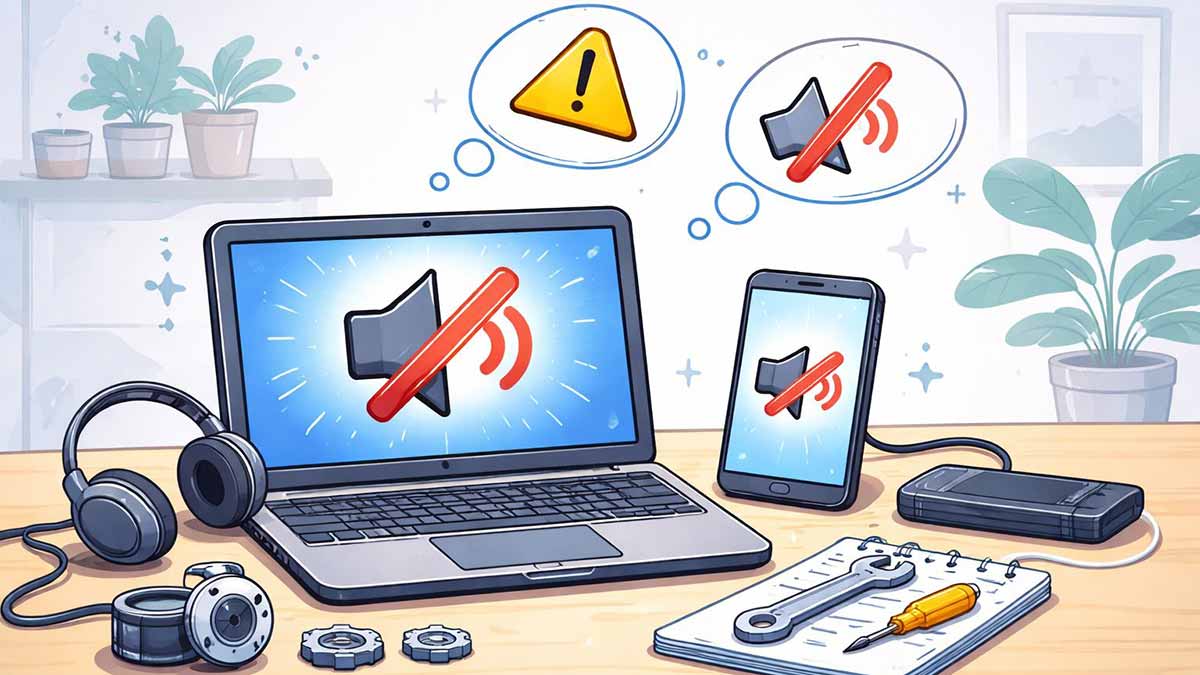
No sound on your computer or phone can be frustrating, especially when everything looks fine on the screen. Whether videos are silent, calls have no audio, or notifications don’t make a sound, this issue is very common and usually easy to fix.
This beginner-friendly guide walks you through simple, safe steps to fix sound problems on computers and smartphones. Many of these steps follow the same basic troubleshooting process explained in our guide on
👉 Common Tech Problems and How to Fix Them
Step 1: Check Volume and Mute Settings (Sounds Obvious, But Crucial)
Before trying anything advanced, always start here:
On a computer:
On a phone:
🔹 Many sound issues are caused by muted settings or audio routed to the wrong output.
Step 2: Make Sure the Correct Audio Output Is Selected
Sometimes sound works — but not through the device you expect.
On Windows or Mac:
On phones:
If your device is connected to Wi-Fi but other features behave strangely, see:
👉 Wi-Fi Connected but No Internet? How to Fix It
Step 3: Restart Your Device
Restarting clears temporary software glitches that often affect sound.
If your system frequently freezes or behaves unpredictably, you may also want to read:
👉 Computer Keeps Freezing or Crashing: Simple Fixes for Beginners
Step 4: Check App-Specific Sound Settings
Sometimes the problem is limited to one app.
Things to check:
Examples:
Step 5: Test With Headphones or External Speakers
This helps identify whether the problem is software or hardware.
Step 6: Update or Reset Audio Settings (Beginner-Safe)
You don’t need technical skills for this step.
On computers:
On phones:
If your device behaves oddly across multiple features, see this guide:
👉 Why Is My Device Not Working? A Step-by-Step Troubleshooting Guide for Beginners
Step 7: When to Seek Professional Help
If:
Then the issue may be hardware-related, and professional repair may be needed.
Quick Checklist: Fix No Sound Issues
Final Thoughts
No sound on a computer or phone is usually caused by simple settings issues, not serious damage. By following these beginner-friendly steps, most users can restore audio in just a few minutes.
For a complete overview of fixing everyday tech problems, start with our main guide:
👉 Common Tech Problems and How to Fix Them