
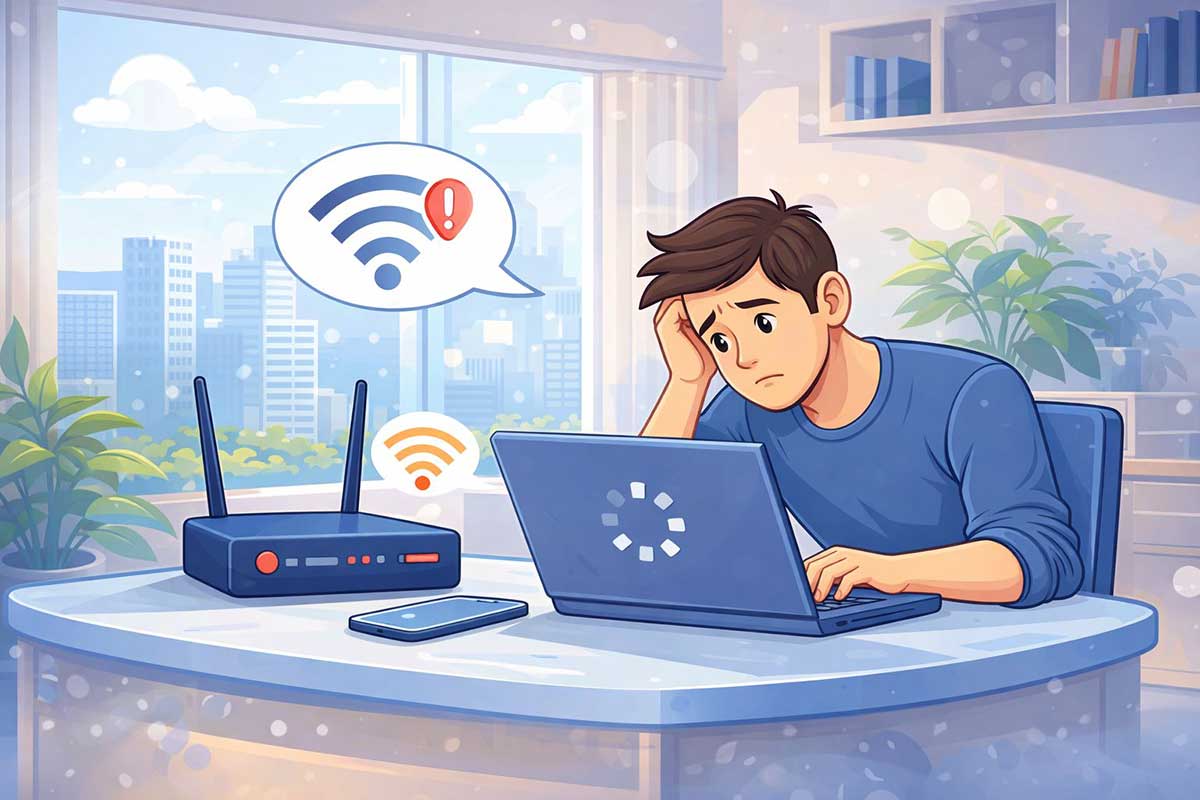
Is your internet connected but extremely slow? This is a common problem that can make browsing, streaming, and working online frustrating.
Slow internet doesn’t always mean your connection is broken — it usually means something is affecting your speed.
In this beginner-friendly guide, you’ll learn simple and effective ways to fix slow internet and improve your connection speed quickly.
👉 If your internet is completely not working, read:
How to Fix Internet Connection Problems (Beginner-Friendly Guide)
https://eworldhelper.com/tech-fixes/how-to-fix-internet-connection-problems/
1. Restart Your Router and Modem
This is the easiest and most effective fix.
Steps:
This refreshes your connection and can instantly improve speed.
2. Check How Many Devices Are Connected
Too many devices can slow down your internet.
3. Move Closer to the Router
Weak signal = slow speed.
👉 If your Wi-Fi keeps dropping, check this guide:
Wi-Fi Keeps Disconnecting? How to Fix It Step by Step (Beginner Guide)
https://eworldhelper.com/tech-fixes/wifi-keeps-disconnecting/
4. Check Your Internet Speed
Use a speed test tool to check your connection.
5. Close Background Apps and Tabs
Apps running in the background can use internet.
6. Restart Your Device
Your phone or computer may be causing the issue.
7. Change Wi-Fi Band (2.4GHz vs 5GHz)
👉 Use 5GHz for speed if you’re near the router.
8. Clear Browser Cache
Over time, cache can slow browsing.
9. Disable VPN or Proxy
VPNs can slow your connection.
10. Contact Your Internet Provider
If nothing works:
Contact your ISP for help.
Why Is My Internet Slow But Connected?
Even if you’re connected, your speed can be affected by:
👉 If your Wi-Fi shows connected but no internet, read:
Wi-Fi Connected But No Internet? 8 Easy Fixes That Actually Work
https://eworldhelper.com/tech-fixes/wifi-connected-but-no-internet/
Frequently asked questions
-
Why is my internet slow but working?
This usually happens due to weak signal, too many devices, or background apps using bandwidth.
-
How can I make my internet faster?
Restart your router, move closer to it, and disconnect unused devices.
-
Does router position affect internet speed?
Yes, placing your router in an open central area improves signal and speed.
-
Why is my Wi-Fi slow on phone but fast on other devices?
This may be due to device settings, background apps, or software issues.